One stream. Four to six videos worth uploading.
Paste a VOD. ClipFinder watches the whole stream, picks the stories inside it, cuts each into its own video, writes the title and makes the thumbnail. Or ask for a Supercut: the whole stream, condensed into one video. You open the editor, tweak, and publish.
One free stream, no card. The first video it makes is yours to keep.
5 videos, from one stream
"Playing Subnautica w/ Fear of Ocean", 2.2 hours of live footage, pasted once. Every card below is a finished video with its own title, thumbnail and cut, exactly as it came out. Click one to watch it.
Why am I dying of thirst in the middle of the ocean?
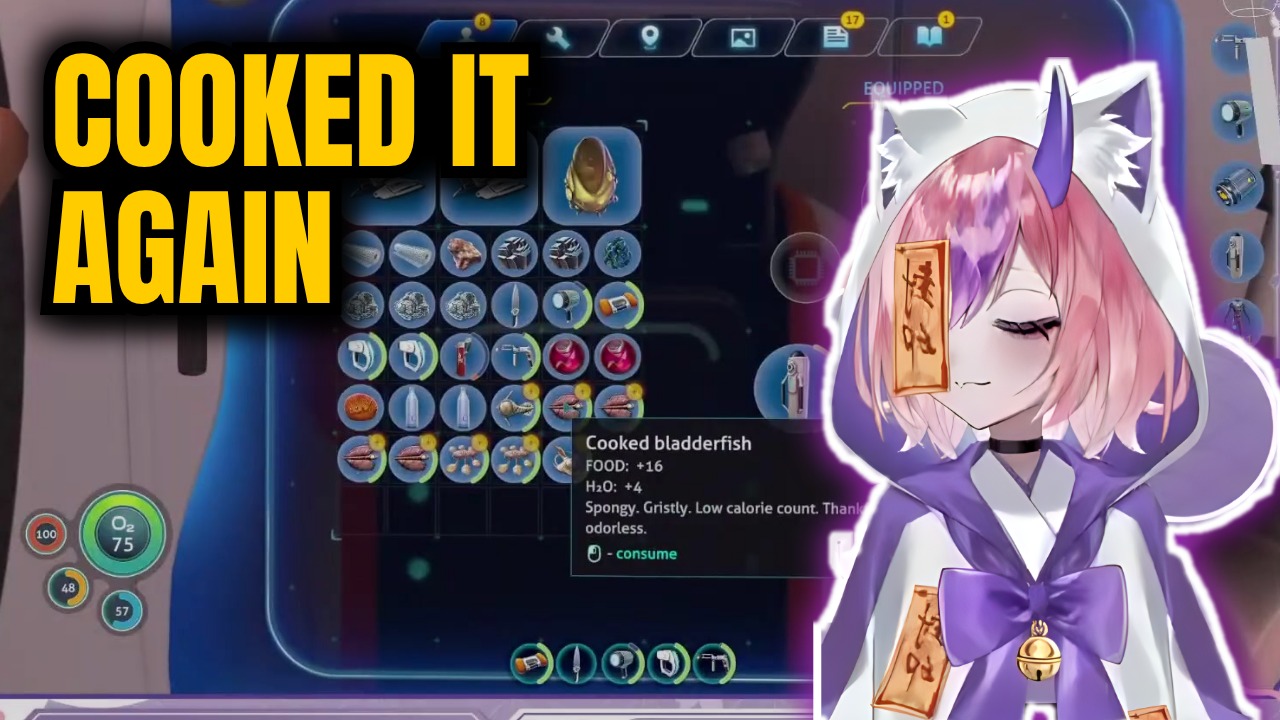
The bladderfish cooking blunder
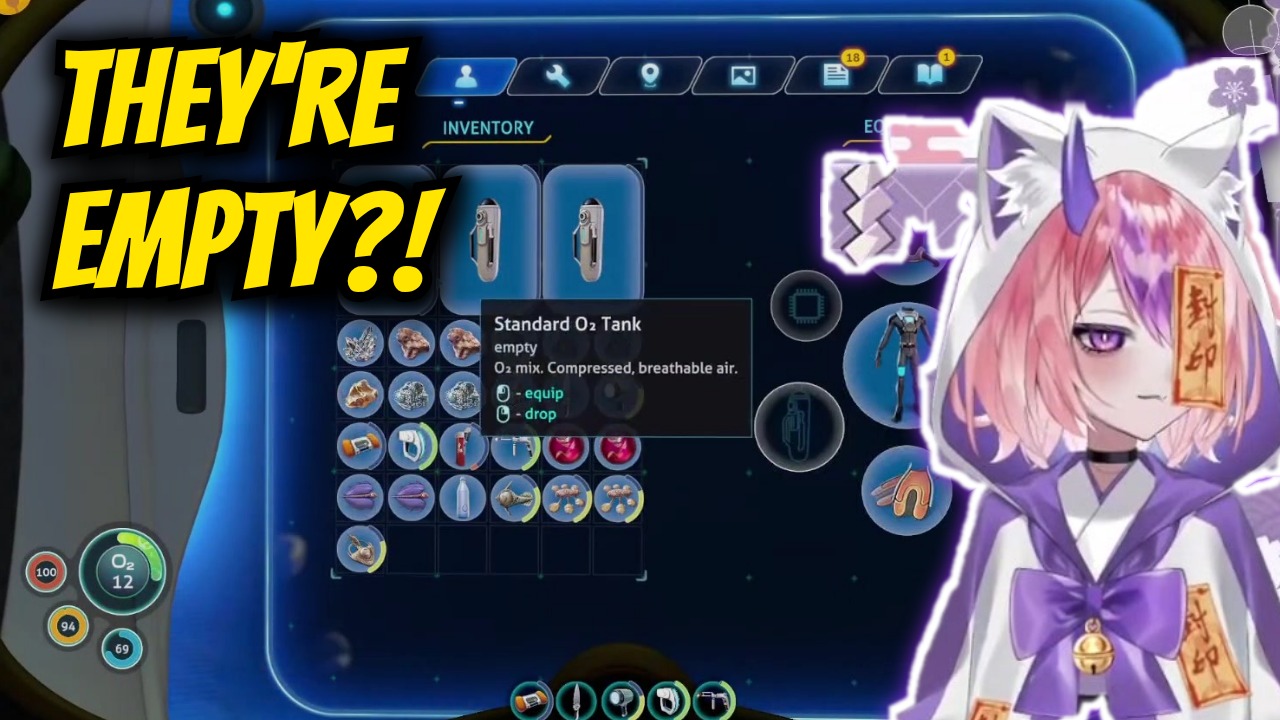
Chat told me this was a pro gamer trick.
Chat backseating and the empty O2 tank trap
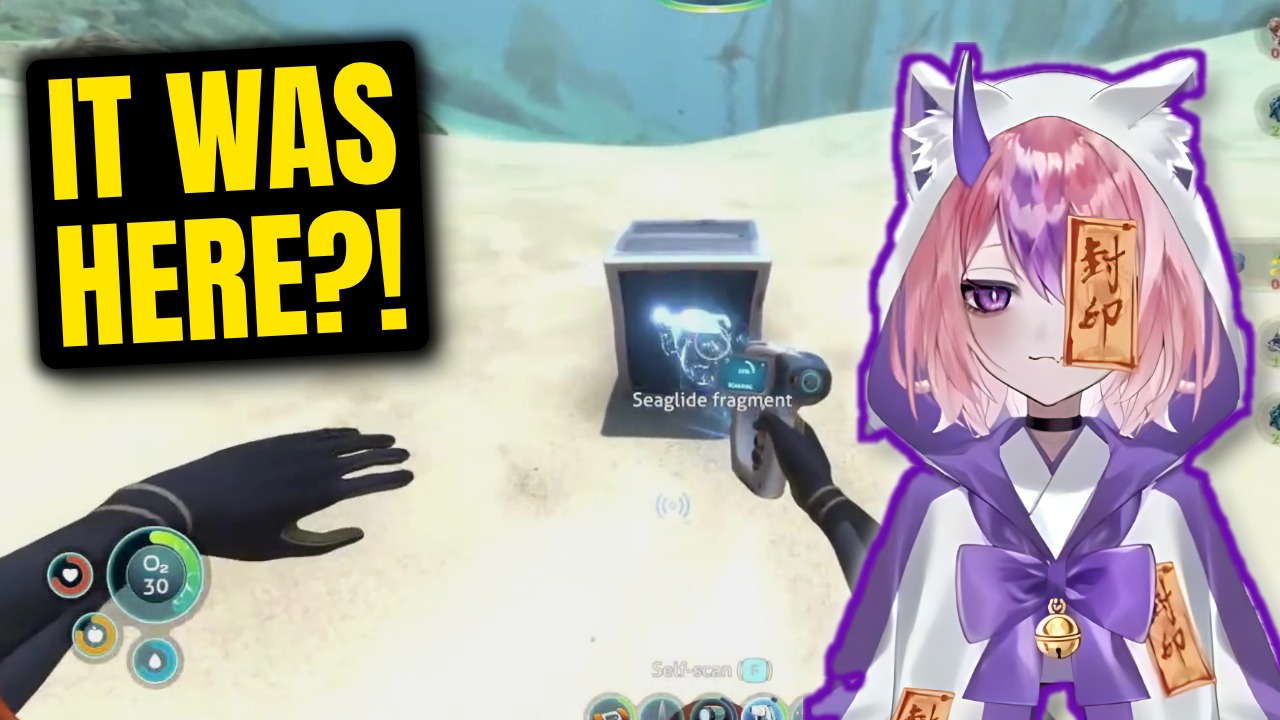
I spent an hour looking for something right in front of me.
The blind search for the Seaglide blueprint
This fish made me break my actual webcam.
Physical panic reaction and the webcam collision
I literally cannot swim in real life.
Thalassophobia and deep cave exploration
What one stream becomes
Finished videos, not a list of timestamps.
A title and a thumbnail, made, not picked
For every video the AI grabs frames inside its own cut, cuts out the subject, composes a 1280x720 thumbnail and writes a title in the streamer's voice. Both are on the card before you open anything.
Not a highlight reel. A video with a beginning and an end.
The model watches the entire VOD, picks the stories that stand on their own, and cuts each one from the full footage: jumps between the moments that matter, speeds through the setup, zooms on the reactions, on-screen text where it helps.
Or the whole stream, with the dull parts taken out
Pick Supercut and you get one video instead: the stream in its own order, with the waiting, the repeats and the dead air taken out. There is no target length. A busy stream keeps more, a slow one keeps less, and it still follows from start to end.
Edit the video by editing the words
Every word of the stream is in the editor. Delete a sentence and the footage goes with it. Restore any cut, remove the silences, speed up a stretch, add a zoom, text or a card. Every change saves as you go, and History takes you back to any version.
okay so the plan was to go straight down uh hold on let me check chat real quick, someone said, okay okay and the second I hit the water this thing just appears out of nowhere and I genuinely like I actually screamed.
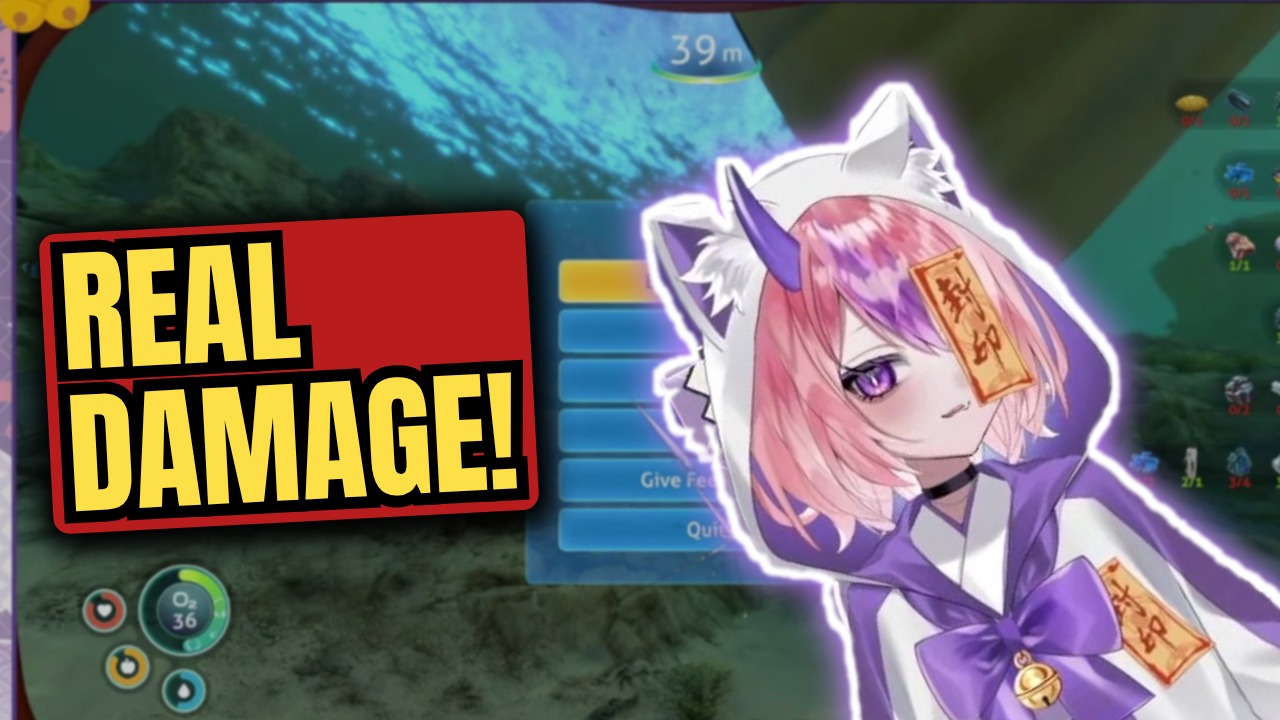
Change the thumbnail like a design, not a screenshot
Every video has a Thumbnail tab. Swap the frame, cut the subject out of any moment, move and restyle the text, add arrows, circles, emoji and stickers, or draw on it. One click sends it to YouTube with the video.
Paste once. Publish six times.
Paste the stream
A Twitch or Kick link, a Drive file or an upload. Pick the window, up to 5 hours.
It watches the whole thing
The model reads the stream end to end, proposes the videos inside it, then cuts each one from the full footage.
Open, tweak, approve
Every video lands as a card with its title and thumbnail. Open the editor to trim by deleting words, or the Thumbnail tab to change the picture.
Publish
One click uploads it to YouTube with its thumbnail. Now, or on your schedule.
Counted per stream
One stream is one job: 4 to 6 videos, or one Supercut. Your Shorts hours are separate.
The first video is yours. Any plan unlocks the rest.
$15 a month, with shorts from 10 hours of stream.
$29 a month, with shorts from unlimited streams.
$59 a month, or $588 a year. Everything in Pro.
Past your plan's streams, an extra stream is $7 any time. See pricing
Frequently Asked Questions
Paste a stream. Get the videos.
One free stream, no card. Ready in about the time it takes to shower after the stream.
Try Long-form free